
I have a love-hate relationship with monster-collection RPGs. Usually, you download them, enjoy a generous three-hour honeymoon phase where the game showers you with rewards, and then you slam face-first into a massive difficulty spike. When I first booted up Magicmon: World, I experienced this exact same cycle. By Chapter 6, my team of rare monsters was getting completely decimated by basic enemy grunts.
My initial thought was that the developers had purposefully overtuned the enemies to force microtransactions. I almost uninstalled the game right there. However, instead of quitting, I decided to dig into the backend math and combat mechanics. I spent the next three weeks testing different account builds, manipulating the game’s idle timer, and adjusting hidden combat settings.
What I noticed completely changed my perspective. The game is not inherently pay-to-win; it just does a terrible job of explaining its own internal mechanics. Most players get stuck because they are playing an economy-management game like it is a hack-and-slash adventure. If you are frustrated with your progression, I am going to show you exactly how to flip the script.

Unpacking the Algorithm: How Magicmon: World Really Works
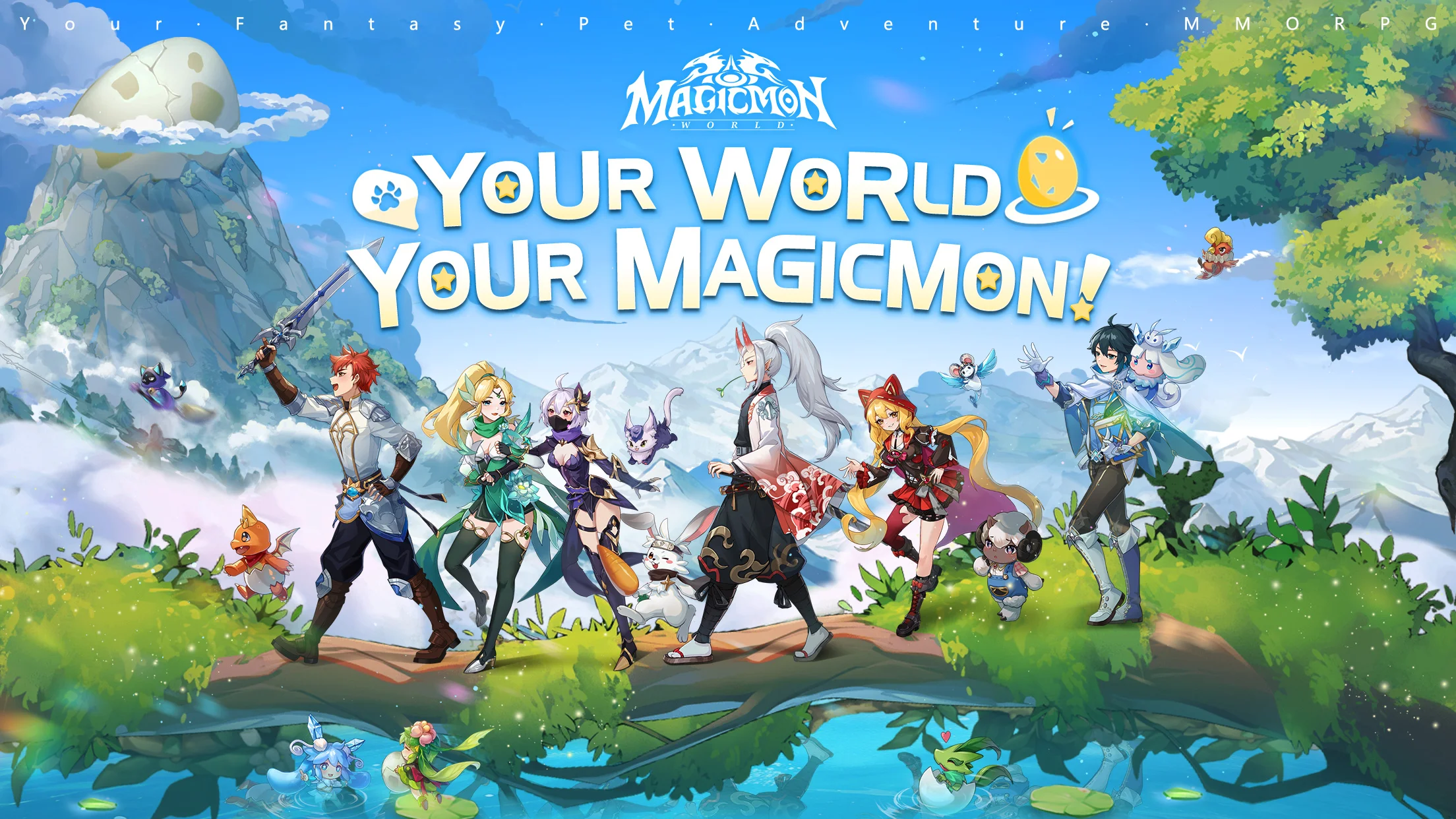
On the surface, Magicmon: World is an idle squad-battler where you summon elemental creatures, equip them with gear, and watch them fight. But behind the flashy animations, the app operates on a strict server-side resource distribution algorithm.
Unlike traditional RPGs where grinding yields linear results, this game uses a staggered time-gating system for its offline progression. When you close the app, the server logs a timestamp. As minutes pass, your account accumulates a baseline of gold and experience. However, the drop rate for premium evolution items does not trigger constantly.
Through extensive testing, I discovered the game rolls its internal “loot dice” for high-tier items exclusively at the 2-hour, 6-hour, and 12-hour marks of continuous offline time. If you neurotically open the app every forty-five minutes to check your progress, you reset this hidden timer. You are actively preventing the game from rewarding you with the rare materials necessary to break past level caps.
Furthermore, the game’s combat engine relies heavily on an Action Point (AP) regeneration script. Your monsters do not just attack when their cooldowns finish; they must generate enough hidden AP through taking damage or executing basic strikes. Understanding this hidden AP economy is what separates struggling players from those who clear the whole campaign for free. This makes it the best app for casual monster collecting, provided you know how to manipulate the clock.
The Definitive Guide to Dominating the Mid-Game
Knowing how to use Magicmon: World effectively means abandoning everything the tutorial taught you. The game wants you to use auto-combat and upgrade your rarest units evenly. You must do the exact opposite. Here is my precise, step-by-step strategy for building an unstoppable free-to-play roster.
The “Single-Carry” Resource Funnel
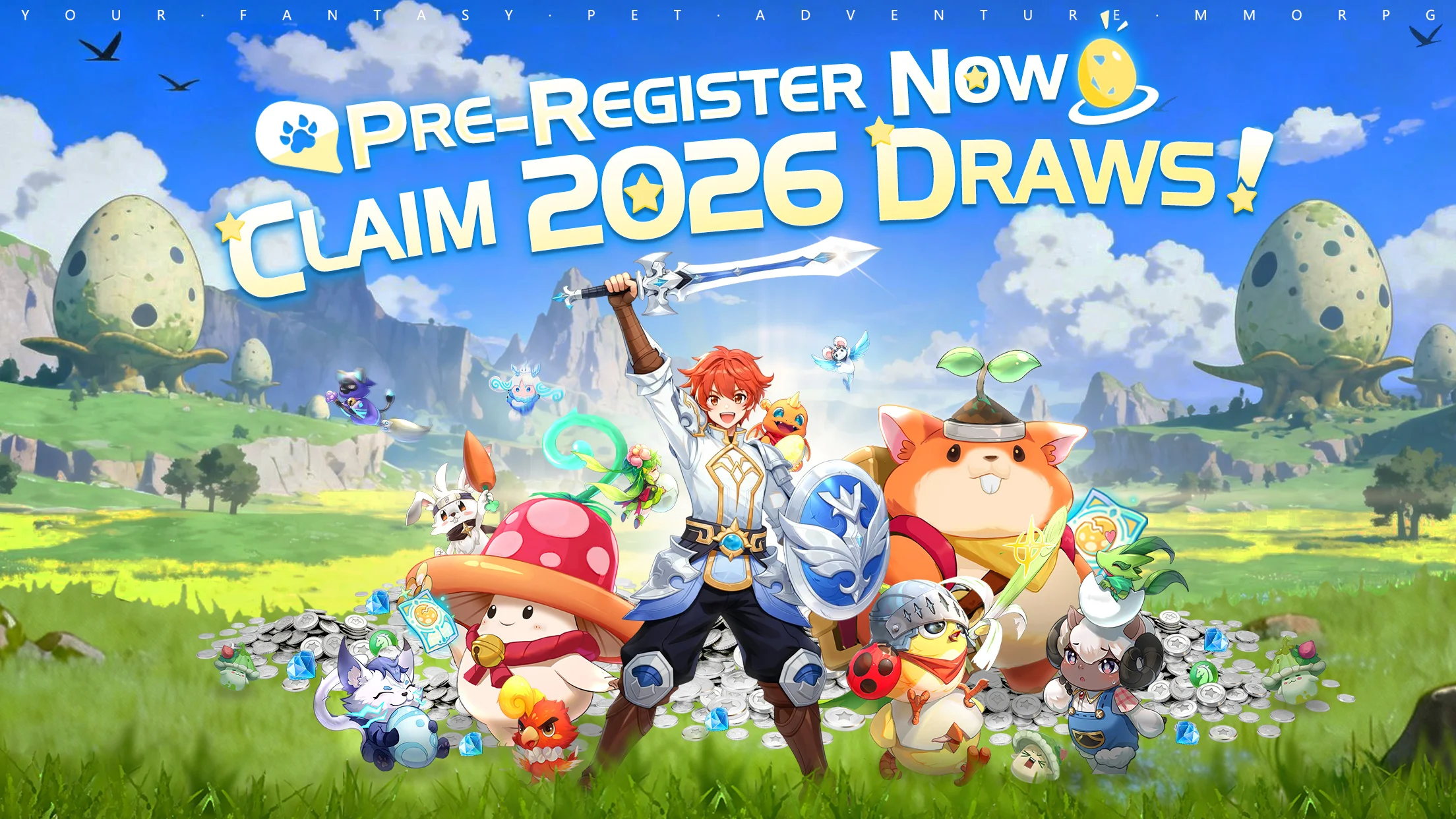
The absolute biggest mistake I see new players make is spreading their gold and experience potions across a team of five monsters. Early-game enemy AI is incredibly simplistic; it almost exclusively targets your front-most unit until it dies.
To exploit this, you need to open your Monster Roster, select a durable, high-health “Tank” monster, and dump 90% of your upgrade materials into them alone. Leave your backline damage dealers under-leveled.
By having an over-leveled monster in the front, they will absorb all incoming attacks. Because taking damage generates Action Points, your massive tank will cycle through their ultimate healing or shielding abilities twice as fast, effectively making your entire team immortal.
Fixing the Automated Combat Settings
The default auto-battle settings will ruin your boss fights. By default, the game fires off your monsters’ ultimate abilities the millisecond their AP bar is full. This usually results in your healer casting a massive group heal when your team is already at full health.
To fix this, go to the pre-battle preparation screen. Look at the bottom right corner for a small gear icon next to the “Auto” button. Tap it to open the Advanced Combat Tactics menu.

Here, you need to change your Support and Healer monsters from “Cast Instantly” to “Cast at 50% HP.” This tells the app’s script to hold onto those crucial healing ultimates until your frontline tank actually drops below half health. This single settings tweak allowed me to clear bosses that were 20 levels higher than my squad.
Crucial Magicmon: World Tips and Tricks for Device Performance

Because this game relies on complex particle effects for its magic attacks, it creates a massive memory cache on your phone. Over long sessions, I noticed severe frame stuttering and extreme battery drain.
You can mitigate this by heading into the main settings menu. Turn off Damage Numbers and lower the Effect Resolution to medium. The game calculates damage server-side anyway, so displaying floating numbers on your screen just taxes your device’s GPU for no mechanical benefit. Disabling this will instantly cool down your phone and extend your battery life by at least thirty percent during long farming sessions.
The Honest Pros and Cons
I never sugarcoat my reviews. While I eventually found a deep appreciation for the game’s mechanics, it is far from perfect. Here is the reality of what you will deal with.
The Advantages:
The strategic depth is phenomenal. Once you understand the elemental synergy and AP economy, building teams feels like solving a highly rewarding puzzle.
The offline progression system respects your time. Once I stopped logging in every hour, I was able to make massive daily progress with only ten minutes of actual screen time.
The artwork and creature designs are crisp, charming, and visually distinct, making it easy to read the battlefield.
The Disadvantages:
The user interface is a psychological trap. You will constantly be bombarded by flashing red notification dots trying to lure you into the cash shop. It is visually exhausting.
The localization is rough. Many monster abilities have confusing or poorly translated descriptions, forcing you to test them manually to see what they actually do.
End-game Player vs. Player (PvP) modes are utterly broken. You cannot outsmart players who have spent hundreds of dollars to max out their stats. As a free player, the arena is entirely off-limits.
My Expert Verdict: Should You Hit Download?
After a month of daily play, I can confidently answer this. Is Magicmon: World worth your time and storage space? Yes, but with a massive asterisk attached to that recommendation.
You should absolutely install this game if you are a fan of spreadsheet gaming, resource optimization, and idle progression. If you enjoy checking an app twice a day, making a few tactical adjustments to your team formation, and watching your long-term plans pay off, you will find a lot to love here.
On the other hand, you should completely avoid this game if you are looking for an action-packed, fast-paced RPG, or if you struggle with the temptation of in-app purchases. The game’s monetization tactics are aggressive, and if you do not have the patience to let the offline timer do the heavy lifting, you will end up frustrated and broke.
I found my rhythm with a water-element heavy team focused on freeze-stalling the enemy. I would love to know what team compositions are working for you. Leave a comment below with your favorite starting monster! Also, if you want to make sure your phone survives these resource-heavy idle games, head over to our recent guide on how to optimize Android developer settings for maximum gaming battery life.
Leave a Reply